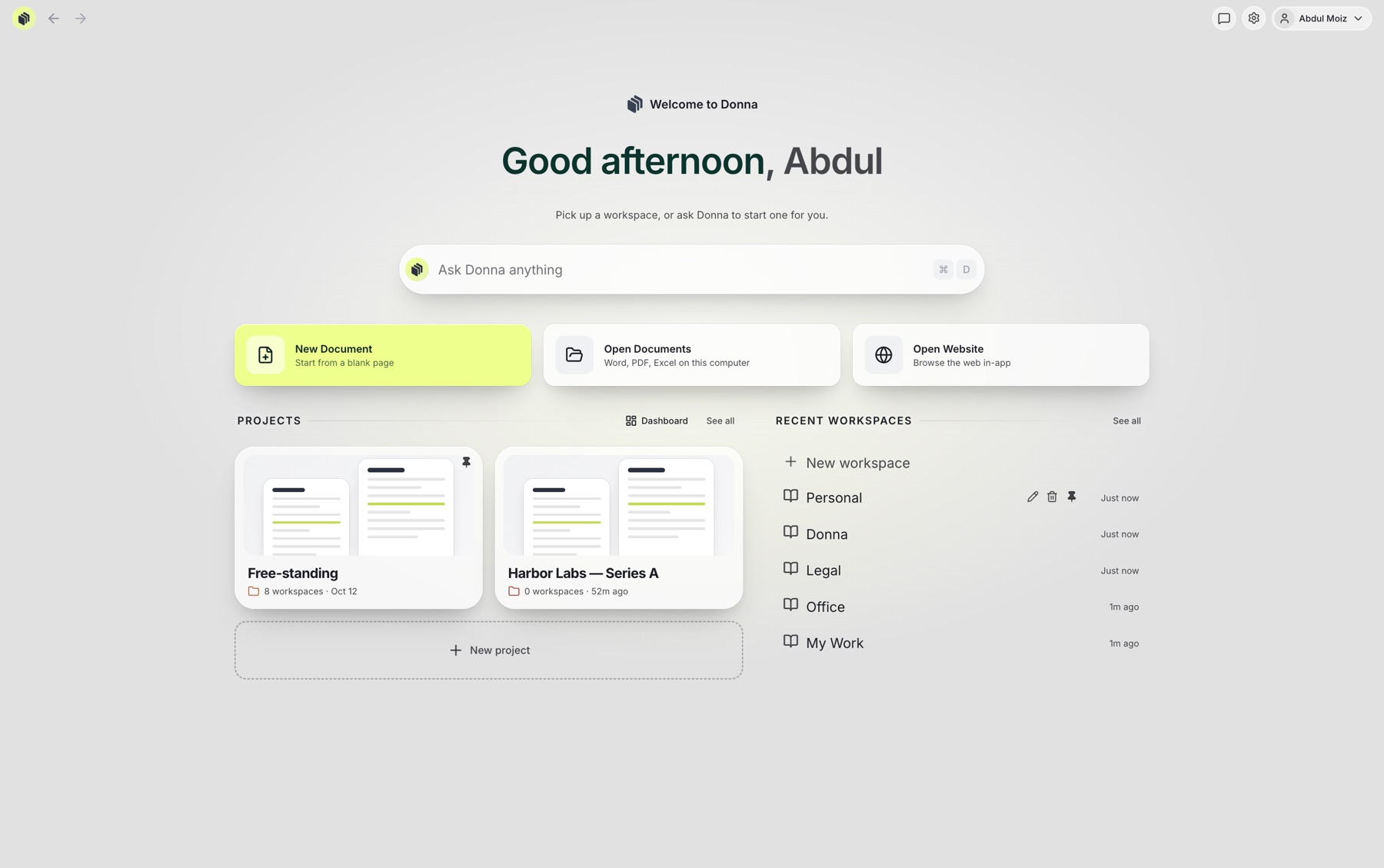
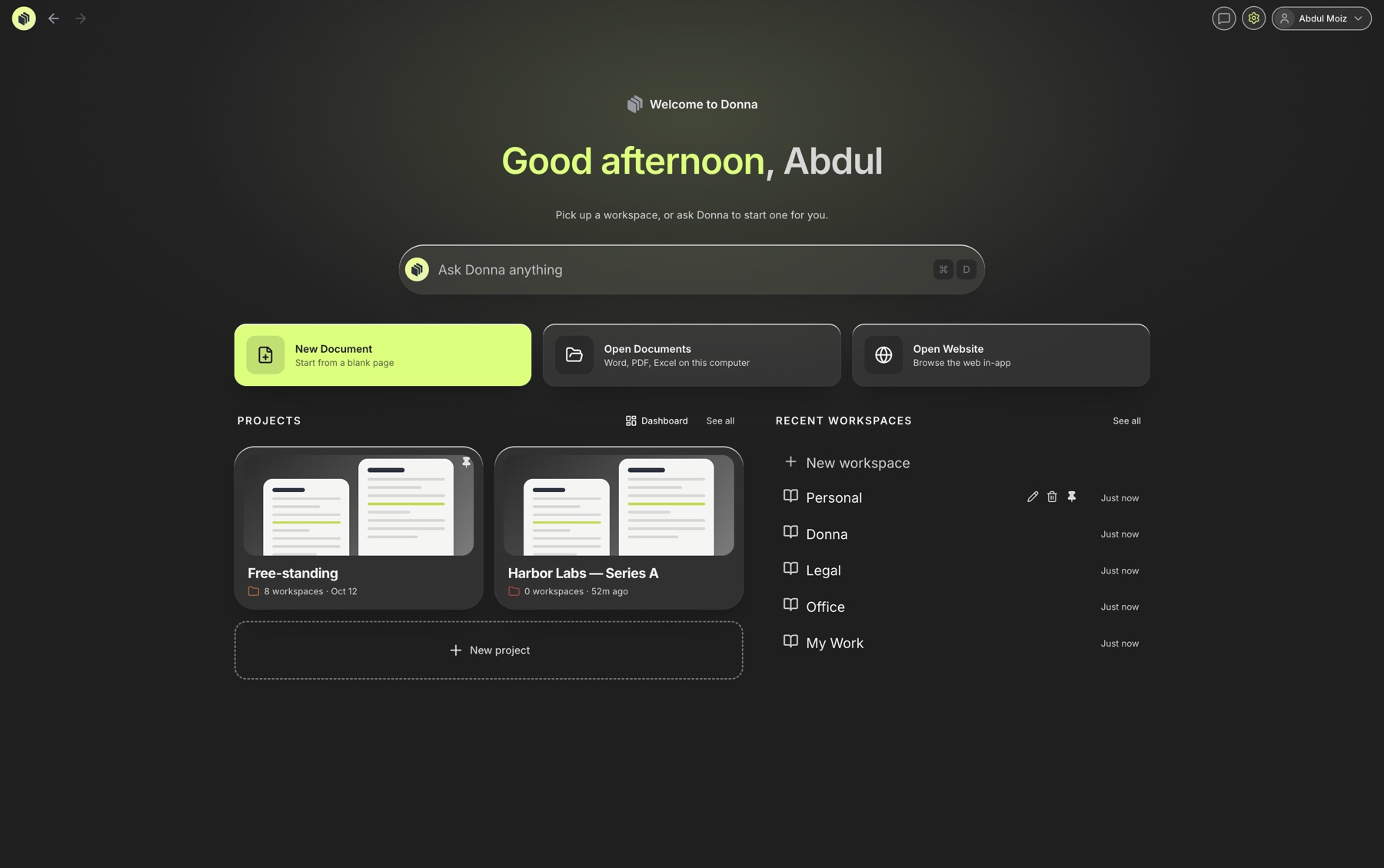
The real Donna home screen. Light and dark, like the app.
On a 13-inch laptop, the matter lives in five windows: Word, Acrobat, a browser, a folder and your email. Donna puts it in one, side by side, at a size you can actually read.
One place
Everything you open, in one place.
Word, PDF, Excel, the web and AI. Donna opens them all, side by side, in one window.
Word
PDF
Excel
Web
AI chat
Word
PDF
Excel
Web
Ask Donna
One place.
Animation: Word, PDF, Excel, web and AI chat icons move into the Donna icon, which glows, and Donna versions of each come out, labelled Word, PDF, Excel, Web and Ask Donna. One place.
What's inside
The four tools you switch between, in one app.
§ 7 · LIMITATION OF LIABILITY
Neither party's liability shall exceed the fees paid in the six (6)twelve (12) months preceding the claim.
Comment · Match the master terms.
Signed
If there is a Liquidity Event“Liquidity Event” means a Change of Control, a Direct Listing or an Initial Public Offering. § 2 before the termination of this Safe, the Investor is entitled to receive a portion of Proceeds.
MATTERHarbor LabsDue Fri
MATTERLease review3 to-dos
MATTERNDA batchIn review
Ask Donna
Ask the matter. Get the section.
Donna answers from the documents in your project and points to the exact clause it used.
SAFE — Northline Ventures.docx
SAFE (Simple Agreement for Future Equity)
THIS CERTIFIES THAT in exchange for the payment by Northline Ventures Fund II, L.P. (the “Investor”) of $1,500,000 (the “Purchase Amount”) on or about October 1, 2026, Harbor Labs, Inc. issues to the Investor the right to certain shares of the Company’s Capital Stock.
(b) Liquidity Event. If there is a Liquidity Event before the termination of this Safe, this Safe will automatically be entitled to receive a portion of Proceeds… equal to the greater of (i) the Purchase Amount (the “Cash-Out Amount”) or (ii) the amount payable on the number of shares of Common Stock equal to the Purchase Amount divided by the Liquidity Price.
(c) Dissolution Event. If there is a Dissolution Event before the termination of this Safe, the Investor will automatically be entitled to receive a portion of Proceeds equal to the Cash-Out Amount, due and payable immediately prior to the consummation of the Dissolution Event.
Ask Donna1 document in context
Ask anything about the documents in this project.Summarize this SAFEWhat triggers conversion?
Ask Donna anything
Sample conversation about a sample SAFE. The first answer is Donna's, word for word.
Example: asked “What does the investor get in a Liquidity Event? Cite the section.”, Donna answered that the investor receives a portion of Proceeds equal to the greater of the Purchase Amount (the Cash-Out Amount) or the Conversion Amount, citing Section 1(b) of the SAFE.
How it works
Set up in the time it takes to find the right folder.
1about a minute
Make Donna your default
Every .docx and .pdf you double-click, including your Google Drive for Desktop files, opens in Donna.
2one drag
Lay out the matter
Put the draft beside its source. Save it as a workspace inside the project.
3ongoing
Draft, redline, ask
Every change saves back to the same file on your computer, with version history.
Ask Donna reads the documents you add to a project.
The team
A small team, building for the laptop you carry.
Why we built Donna
You shouldn't need three monitors to see three documents. On a train, in a client's office or at a coffee-shop table, the whole matter has to fit on a 13-inch laptop.
So we built a document workspace that puts the draft, its source and your research side by side, at a size you can read, with an assistant that has read every page.
Mac (Apple silicon and Intel) and Windows 10 and 11.
What files can I open?+
Word (.docx), PDF and Excel (.xlsx). Google Docs and Sheets files need saving as .docx or .xlsx first.
Does it work with Google Drive?+
Yes, through Google Drive for Desktop, which keeps your Drive files in a folder on your computer. Donna opens them like any other file, and Drive syncs your changes back.
Do my documents leave my computer?+
Opening, editing and saving all happen on your computer. Documents you choose to add to a project for Ask Donna are sent to our AI providers to answer your questions. The privacy policy has the details.
Can Donna be my default editor?+
Yes, for .docx and .pdf files on Mac and Windows. It takes about a minute.
Is there a dark mode?+
Yes. Donna has light and dark themes and can follow your system setting.
Does Donna work offline?+
Editing and saving do. Ask Donna needs an internet connection.
With Donna, it's done.
Save a seat, or book 30 minutes and bring a real matter.




 Word
Word PDF
PDF Excel
Excel Web
Web Ask Donna